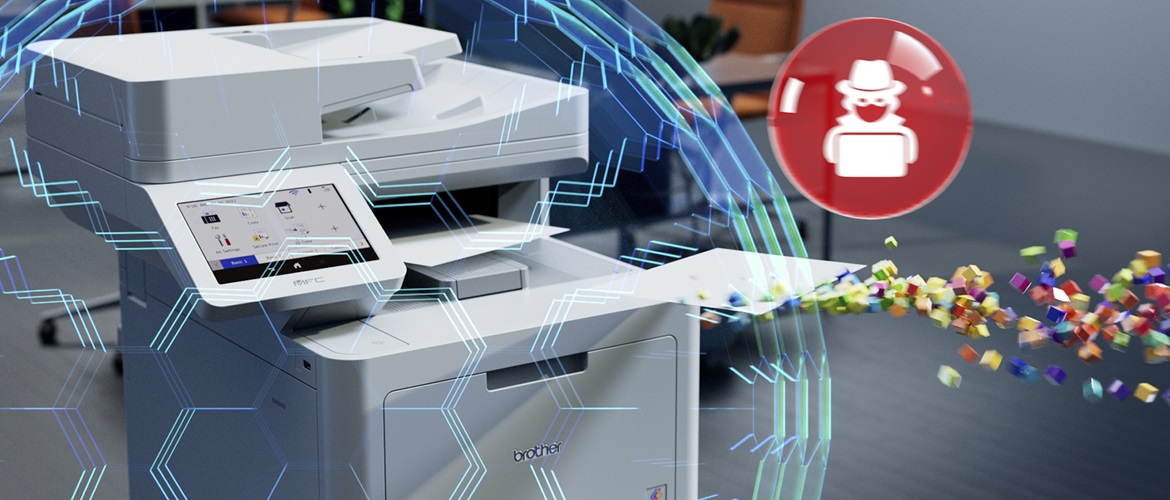
Feeling secure? Have you checked your printers and paper documents?


In an increasingly dangerous world, most technology professionals will be acutely aware that their computer networks face a formidable array of cyberthreats.
Whether it’s losing access to your production data due to a ransomware attack or having customer information or intellectual property exfiltrated and sold on the dark web, the consequences can be catastrophic, both reputationally and operationally.
But it seems that printer security is, if not a blind spot, certainly not a focus for IT decision makers (ITDMs). When analyst firm Quocirca asked ITDMs about potential security risks in 2022, employees’ home printers were the fifth most cited security risk, mentioned by 24 percent of respondents. The office print environment ranked even lower, mentioned by just 21 percent.
And yet two thirds of organisations told Quocirca that they had experienced data losses due to unsecure printing practices. The average cost per breach was $632,000, though other “unquantified” impacts included loss of business continuity and business disruption.
The dangers are twofold. The loss or unauthorised circulation of a single, confidential paper document can itself be catastrophic. The to-ing and fro-ing between the US Department of Justice and Donald Trump over whether classified documents were removed from the White House might be headline grabbing. But a hard copy of a personnel record ending up in the wrong hands can be devastating for the person involved.
But your print and scanning devices also constitute a security challenge in themselves. Afterall, a modern printer is typically a highly capable endpoint computing device, packing its own storage, and usually bristling with connectivity options such as ethernet, Wi-fi, Bluetooth and USB.
In October 2022, researchers at Cybernews claimed to have hijacked 28,000 unsecured printers to highlight the dangers. They used their “control” of those devices to print out a short guide to printer security. But as they pointed out, less scrupulous individuals could have accessed confidential documents held in printer memory and exfiltrated them. Or they could have used compromised devices as a staging post for further intrusion into corporate networks. Or repurposed them for DDoS attacks, spamming or crypto mining.
Keeping networks secure from hackers
So how can you begin to close the gap when it comes to printer security? Implementing a triple-layer security approach is vital to keeping your network, device and documents safe. The Layer 3 approach to security looks at the entire network (documents, devices and networks) including edge devices (firewalls, routers, web servers, anything with public access), endpoints such as workstations along devices connected to the network including mobile phones to create an effective plan for security management.
Good network security practices in general are essential. You should already be monitoring unusual traffic into, out of, and across your network to spot unusual patterns. But are you sure you’re paying sufficient attention to traffic to and from your printers and other document devices?
And what about the devices themselves? It’s worth remembering that older devices could have unsecure and hard to update firmware which makes them more vulnerable to hackers.
Modern devices should provide security features, such as port management and document encryption which aim to stop hackers in their tracks. Password protection and authentication technology will ensure only legitimate users can print to them and access documents. But it’s up to you to implement these features properly.
You might want to take things further and ensure that employees have to go direct to the printer and unlock a document before it is printed, using a PIN or card, to head off the possibility that someone else can intercept it.
All of this will be easier to achieve if you are using a print management platform, so that you can see who is doing what across your network and can set, enforce, and monitor security policies and workflows, right down to individual devices and employees.
You might find that it makes sense to work with a managed print services partner, who can help you assess your security posture, and in running your print operations more efficiently overall. Companies that work with MPS providers typically had a higher awareness of security risks, Quocirca found. But they were also more confident about their security posture and found keeping up with security challenges easier.
It's easy to forget just how intelligent and powerful your printers and other document devices really are. But be assured, hackers and cyber criminals won’t make that mistake.
To find out how Brother can help you secure your business, contact one of our experts, or check out our dedicated Security by Brother pages.